The Smile Spot
Pomona, NY · Pediatric dentistry & orthodontics
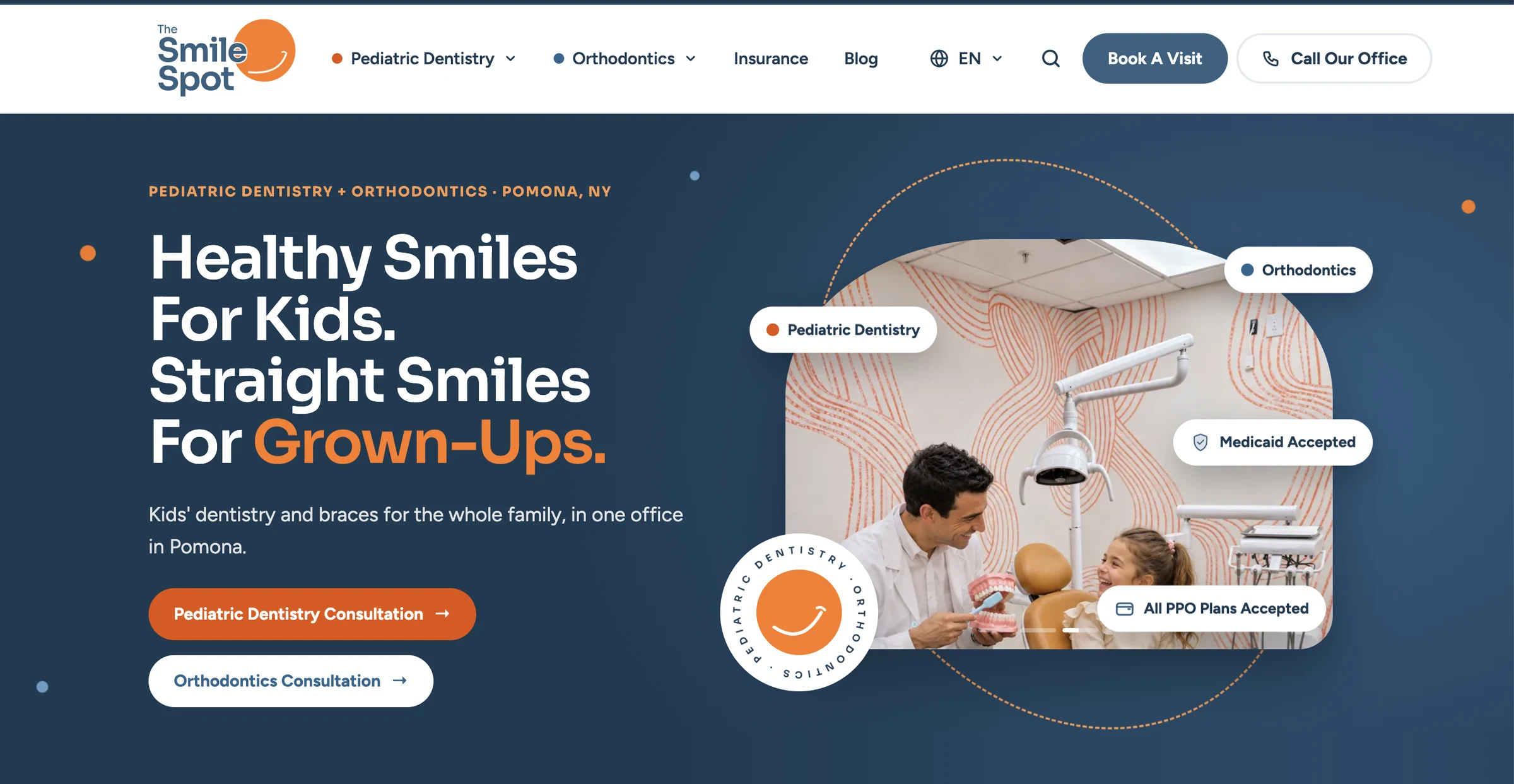
They liked their brand, not their website. So the brand stayed, and everything under it was rebuilt.
for sedation searches in the Pomona area
clear choices on the first screen: kids or braces
Our brand finally came to life online. Parents tell us they found us on Google, and we can see the results clearly every month.

Two systems, one Smile Spot.
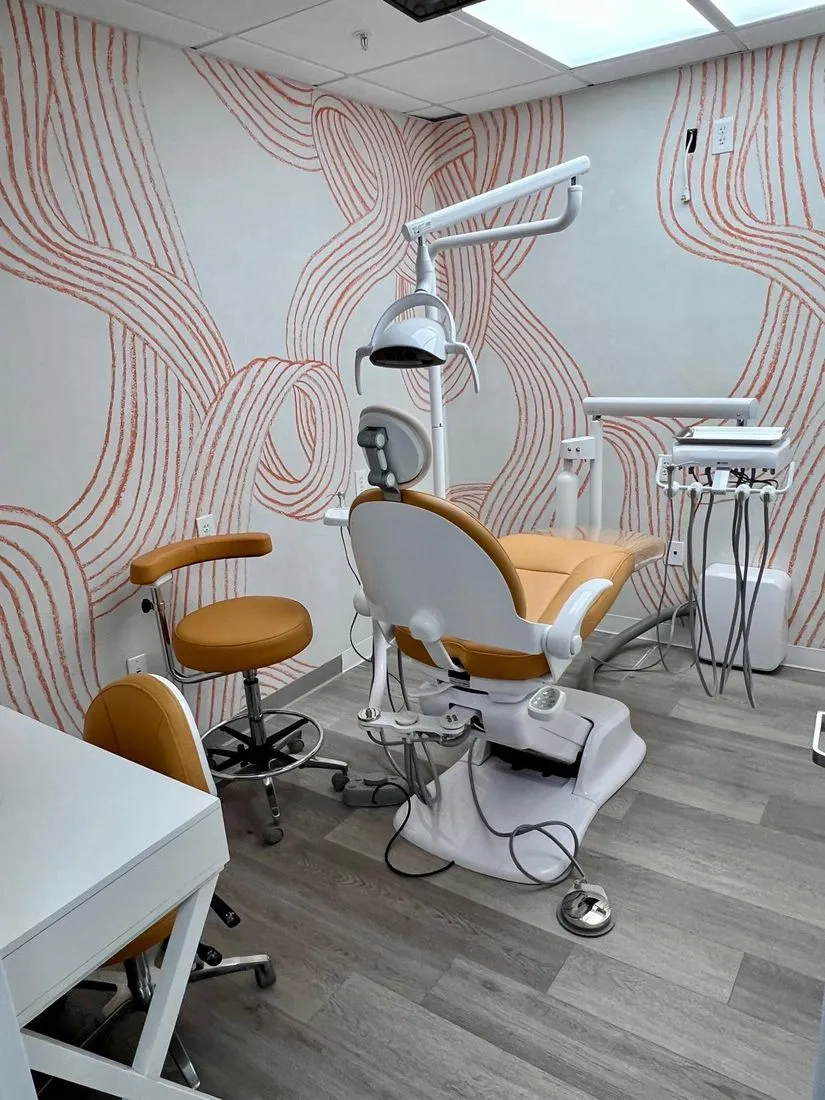
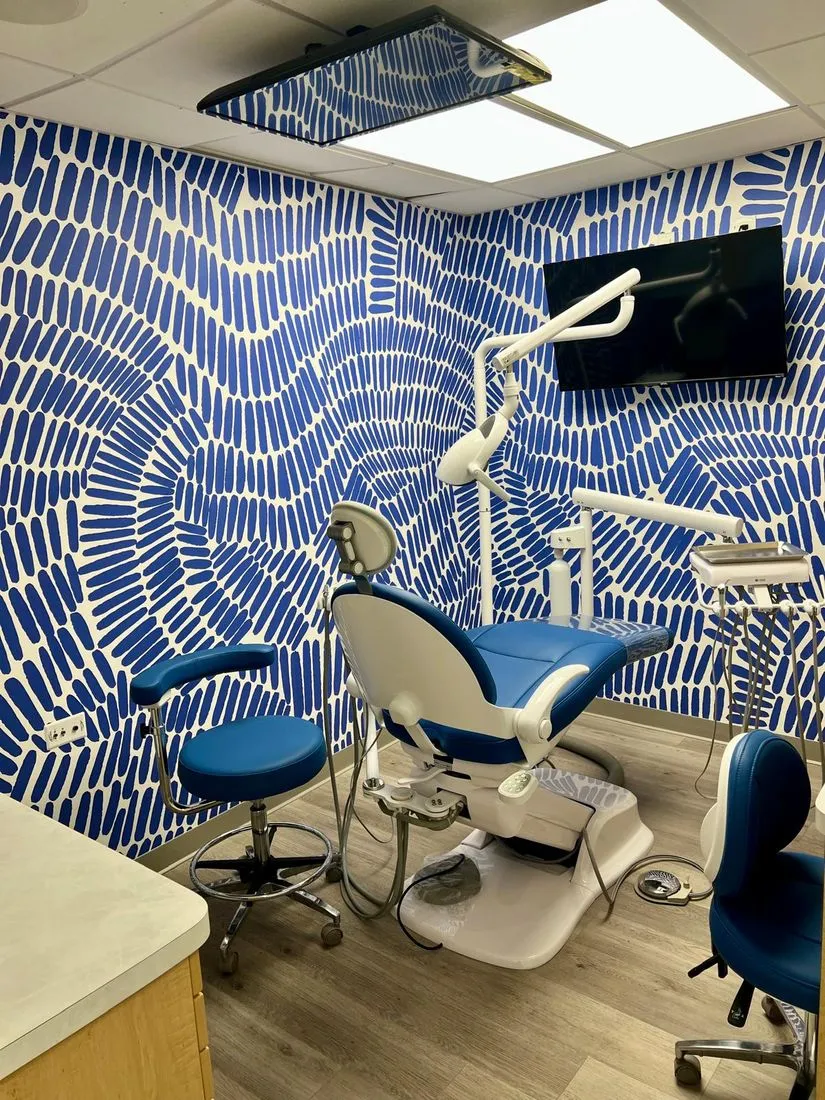
Their office already had two worlds: warm coral rooms for kids and bold blue rooms for braces. The website follows the same map, with its own colors, team, pages and booking form for each.
 Pediatric dentistry
For kids
Dr. Liel’s pediatric team
- Peach and coral, like the kids’ rooms
- 7 pages: sedation, first visit, team, office, FAQs
- Its own pediatric booking form
 Orthodontics
For braces
Dr. Karin’s orthodontic team
- Deep blue, like the ortho rooms
- 8 pages: treatments, InBrace, first visit, FAQs
- Its own orthodontic booking form
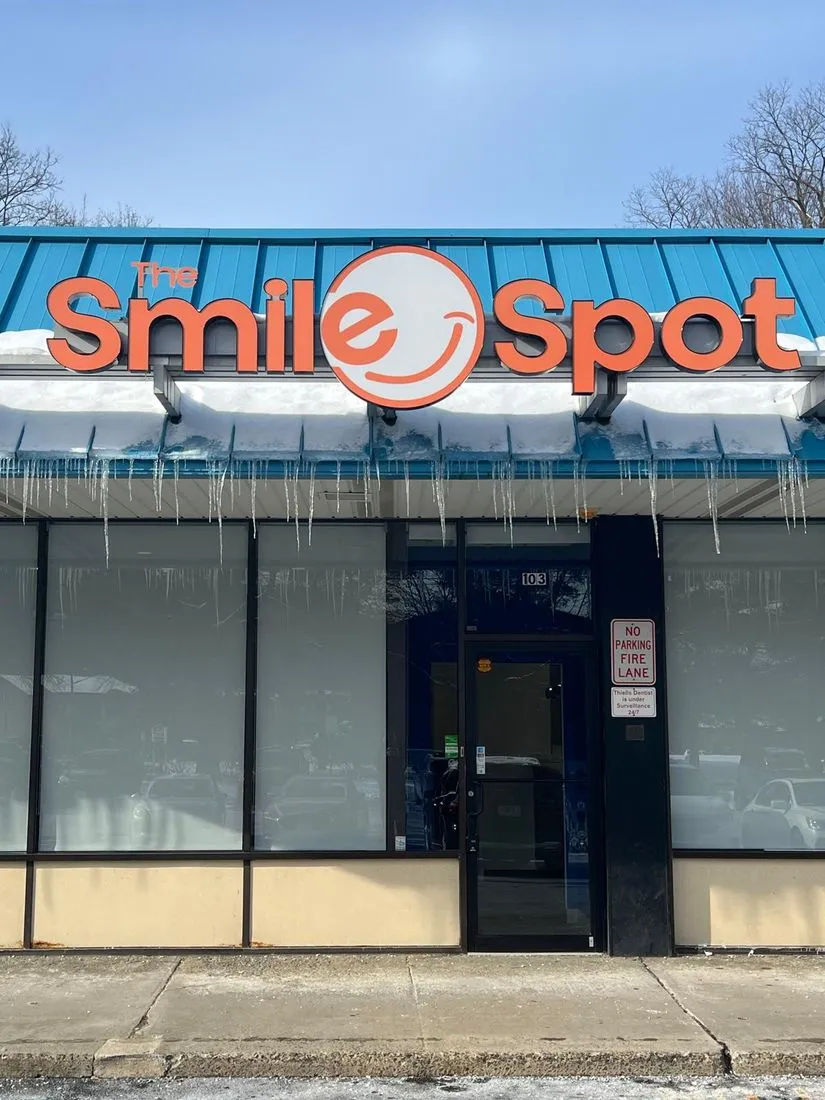
Inside the office
Real photos of their Pomona office, used across both sides of the site.

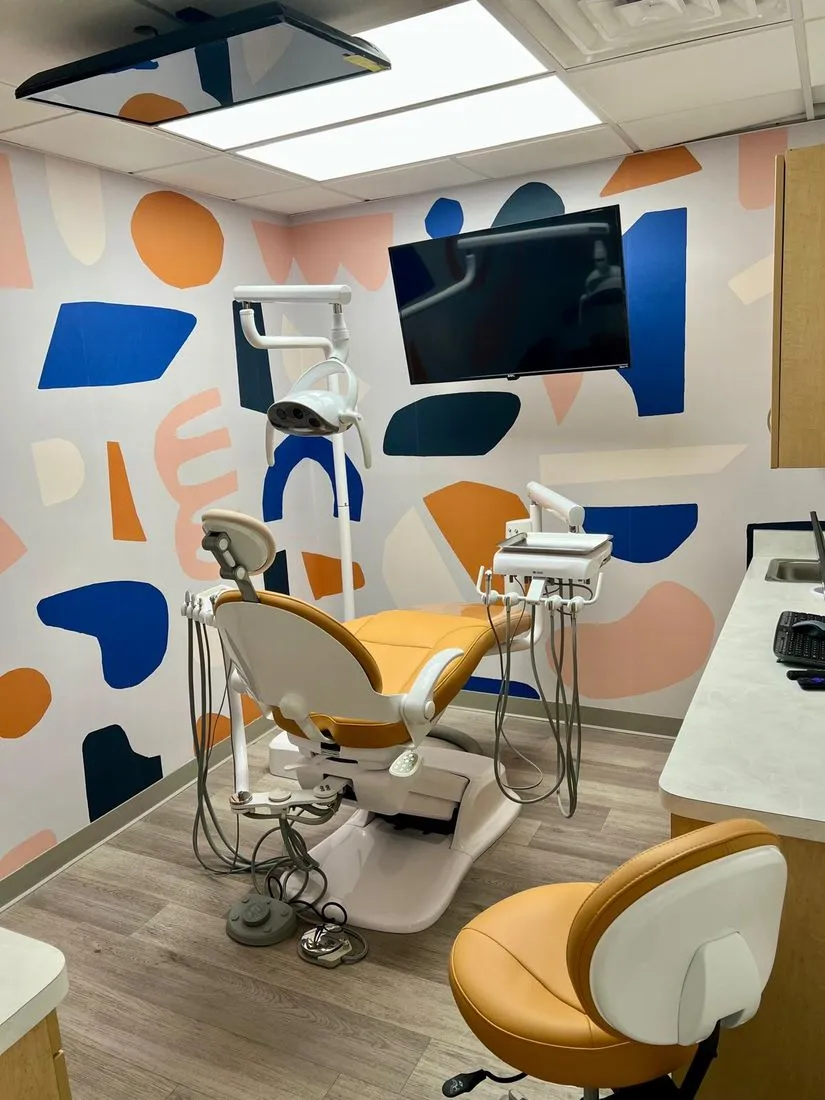
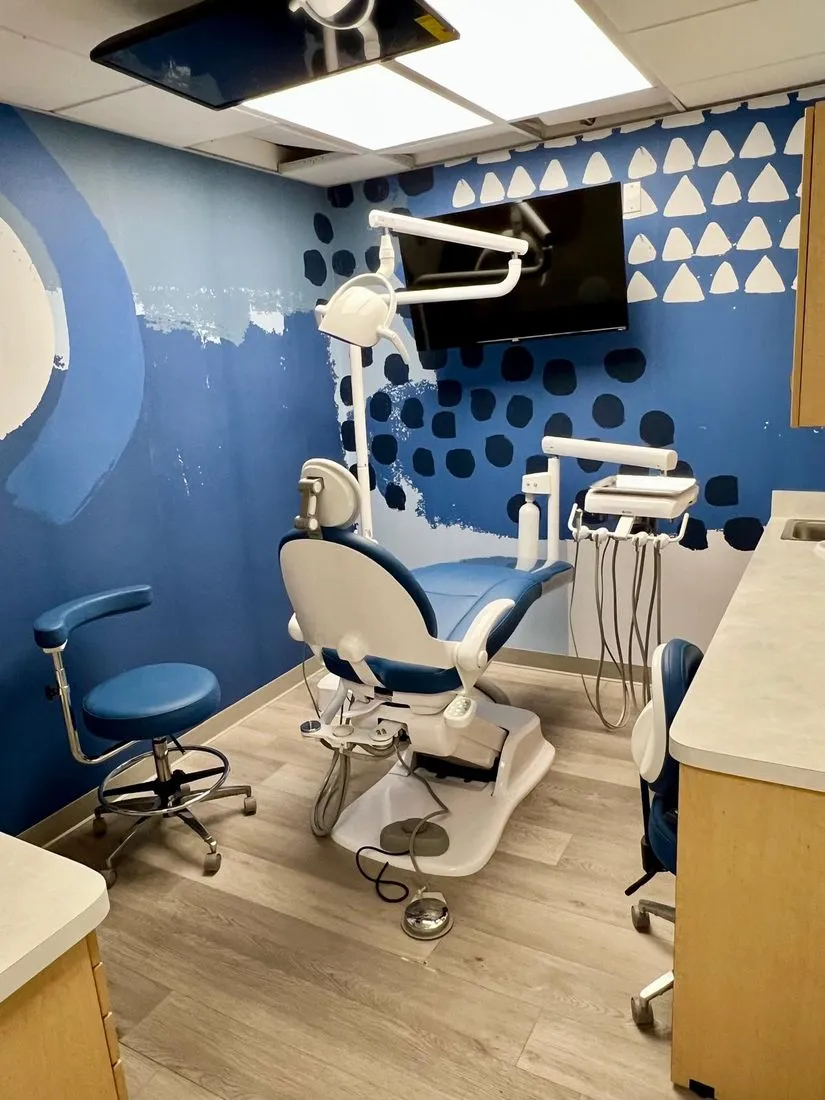
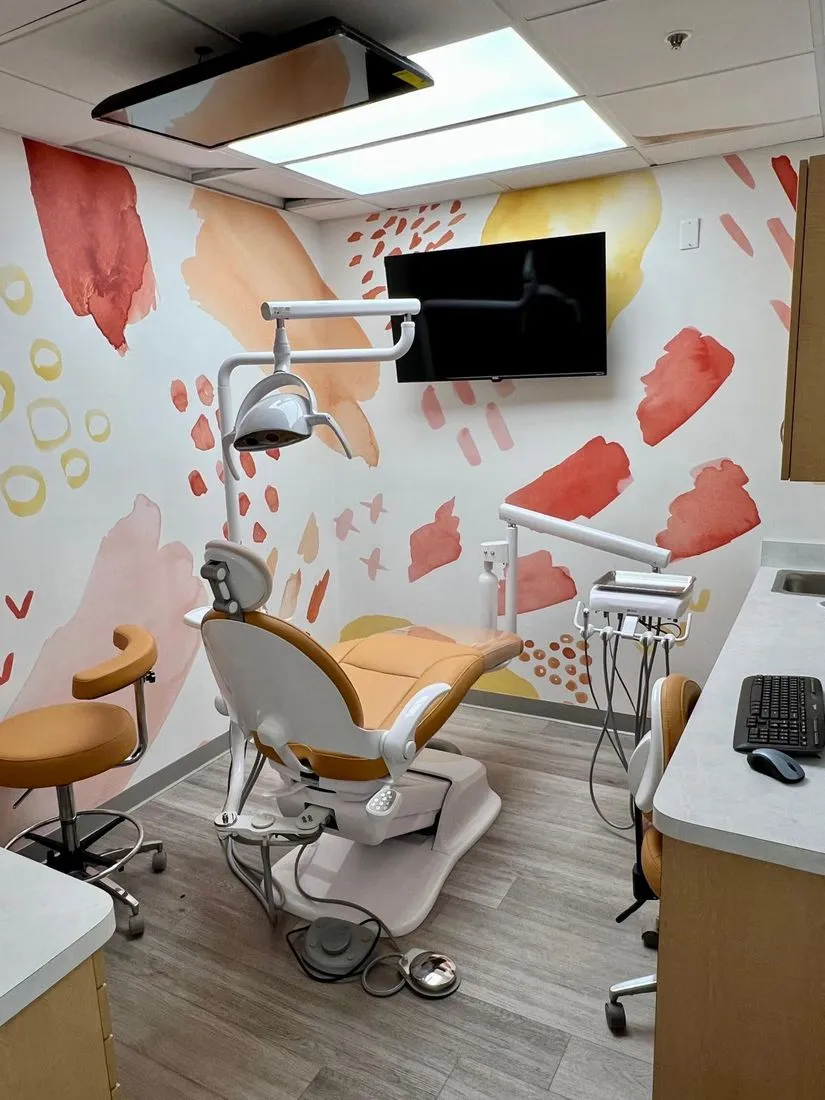
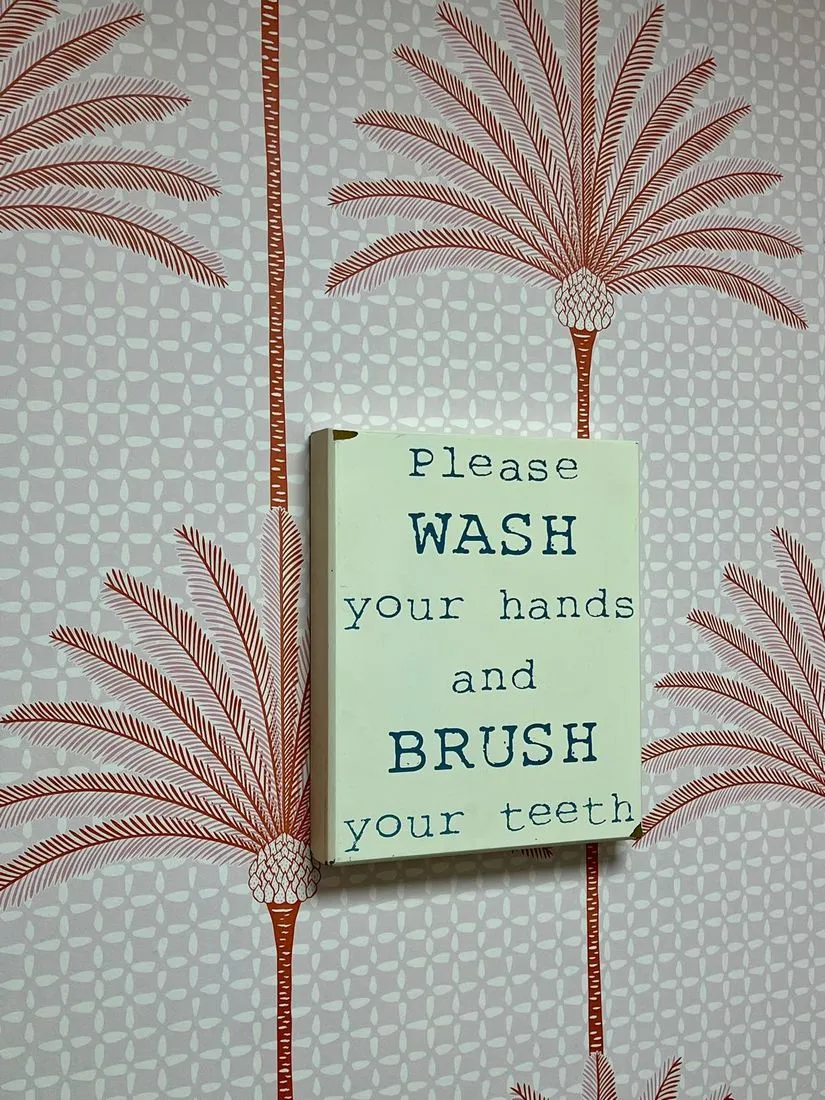
Buttons people trust enough to press.
Small details that make patients press the button.
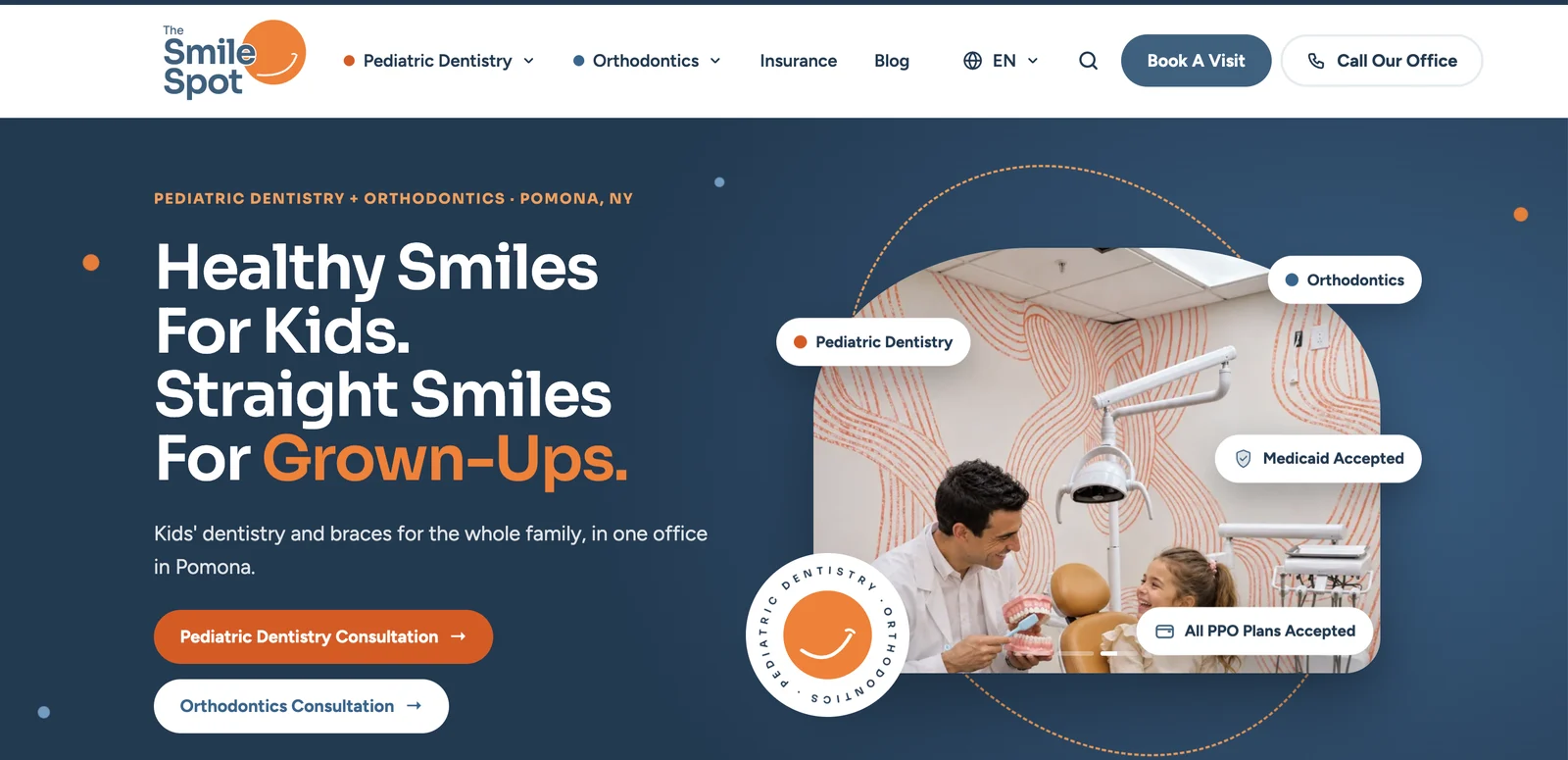 1Orange for kids, blue for braces2A call button on every page
- 1Orange for kids, blue for braces
- 2A call button on every page
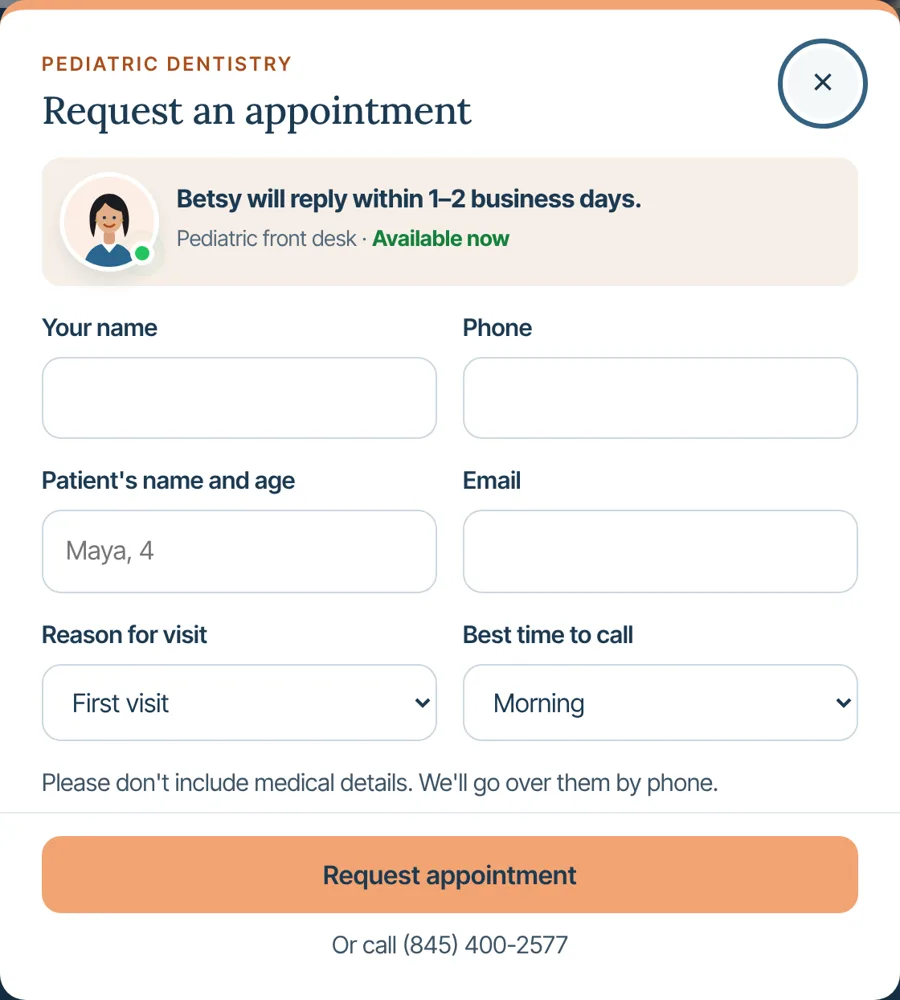 3Betsy, with a small green dot4Asks the best time to call5Private: no medical details6Orange, like everything for kids
- 3Betsy, with a small green dot
- 4Asks the best time to call
- 5Private: no medical details
- 6Orange, like everything for kids
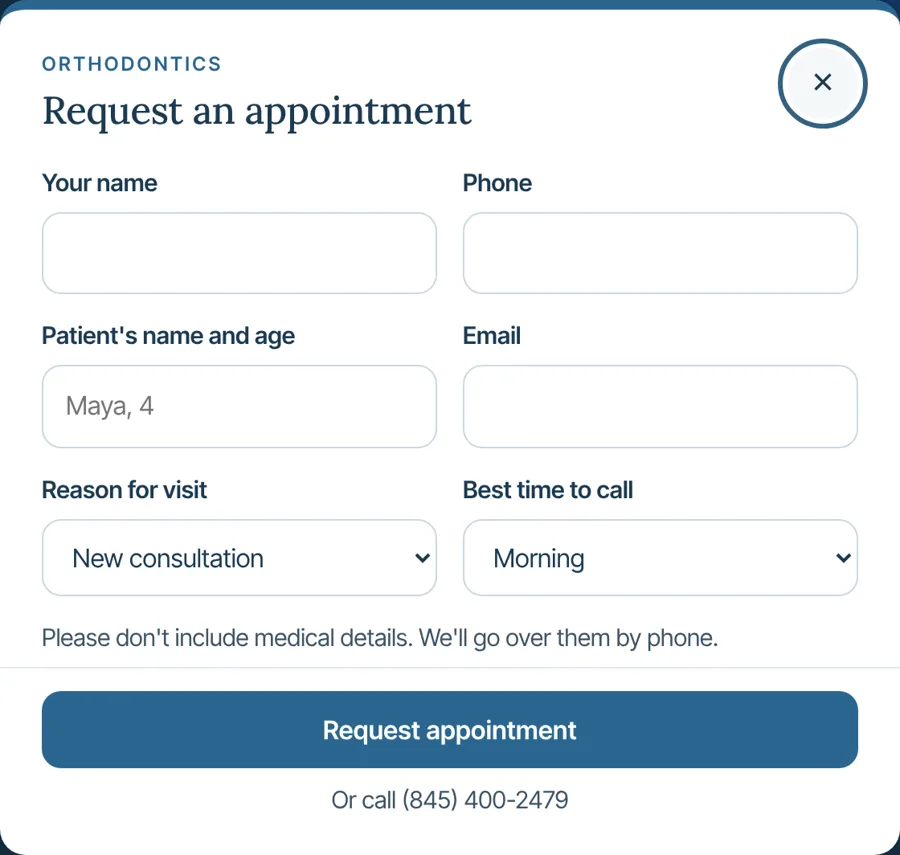 7Blue button, braces number under it
- 7Blue button, braces number under it
Built so Google gets it
Every treatment, doctor and office has its own page, so Google can send the right patient to the right page.
- Overview & services
- Sedation dentistry
- Dentists & team
- + 4 more
- Overview
- Dr. Karin & team
- Treatment options
- + 5 more
- Insurance & payment
- Book a visit
- Blog: 9 articles
Two specialties, clearly separated
Google ranks sites it understands. Two clean sections read as a full pediatric practice and a full orthodontic practice.
Answers to real searches
Google sends people to the page that answers their exact question. These match what parents actually type.
Every insurance, listed
Searches like “pediatric dentist that takes Healthfirst” are common. A page that names the plan can match them.
Local in every line
Google needs to be sure where a practice is before it shows it for local searches.
Their blog
Nine articles, split between parents of young kids and teens in braces:
Credentials, shown up front
The boards and associations they belong to, on the site where parents can see them.





Their colors
We kept the brand they loved and built the new site around it.
Want numbers like these?
In 20 minutes we’ll open your own Search Console and show you what’s possible.
20 minutes · your own numbers · no pitch if there’s nothing to fix